







The “Update Brand Logo” feature in the super admin panel provides a streamlined interface for platform administrators to manage branding assets with ease. This tool supports uploading different versions of logos and favicons optimized for both light and dark themes, ensuring consistent branding across all display contexts.
Navigation:
To update brand logos and favicons, go to:
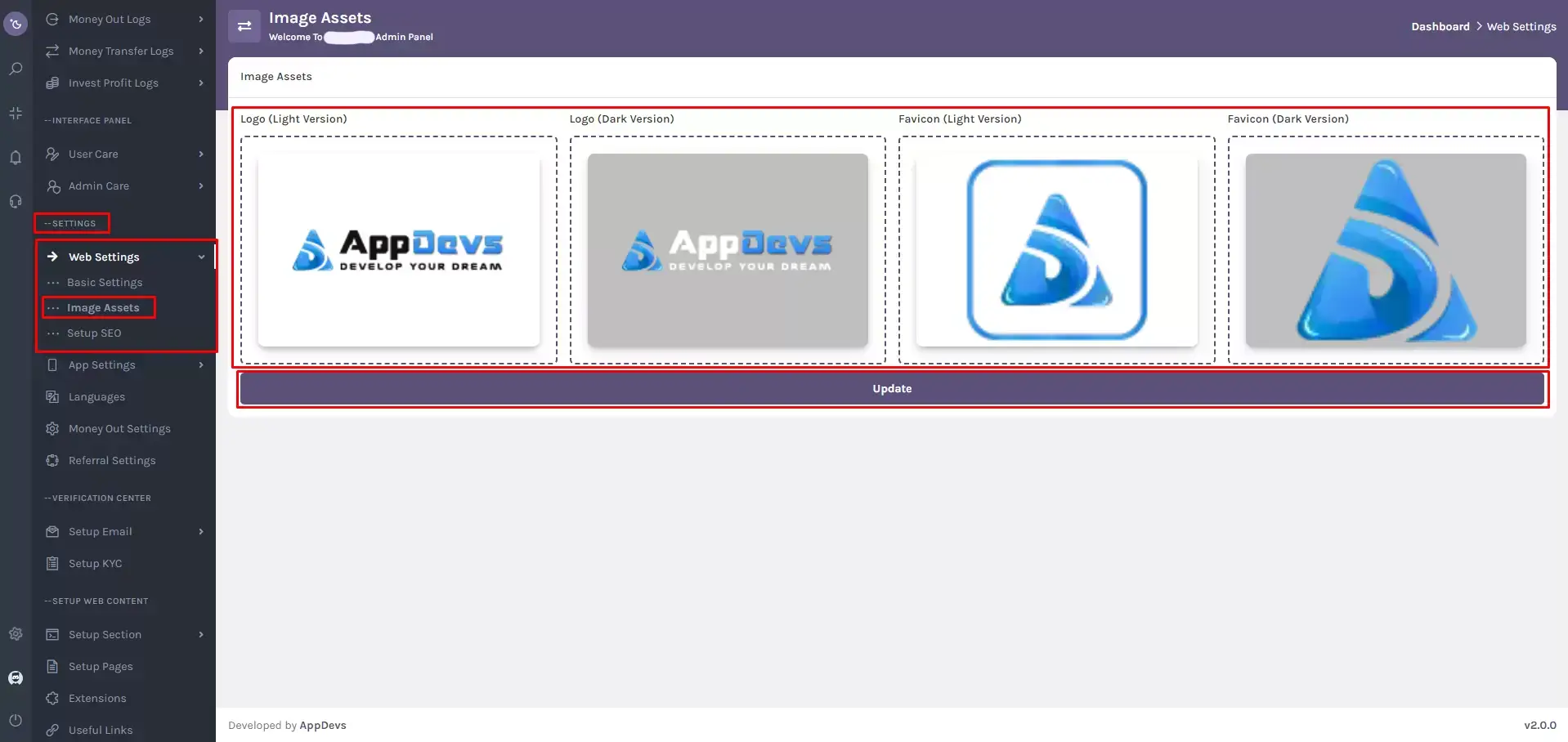
Settings > Web Settings > Image Assets
Alternatively, use the super-admin sidebar search box and type "Image Assets" to access the feature directly.
Input Boxes for Logo & Favicon Versions
Each version has its input box, preloaded with the existing image for reference.
- Light Version Logo:
Upload a logo suited for light backgrounds. - Dark Version Logo:
Upload a logo optimized for dark backgrounds. - Light Version Favicon:
Upload a favicon visible against light UI elements. - Dark Version Favicon:
Upload a favicon that complements dark UI elements.
⚙️ Key Features
✅ Existing Image Preview: All current images are displayed within their respective input boxes for easy comparison.
✅ Drag-and-Drop Upload: Simply drag and drop your new logo or favicon files into the designated areas.
✅ Real-Time Previews: Preview each uploaded image before saving changes, ensuring accuracy and consistency.
✅ Unified Update Button: Once all image updates are complete, click the “Update” button to save changes platform-wide.
Note:
Utilizing this feature ensures that your platform maintains a polished and cohesive brand identity across various display themes and devices. Always verify your updates by previewing the platform on both light and dark modes after submission.